No Install. No CLI. No SDK. Why Browser-Native Wins.
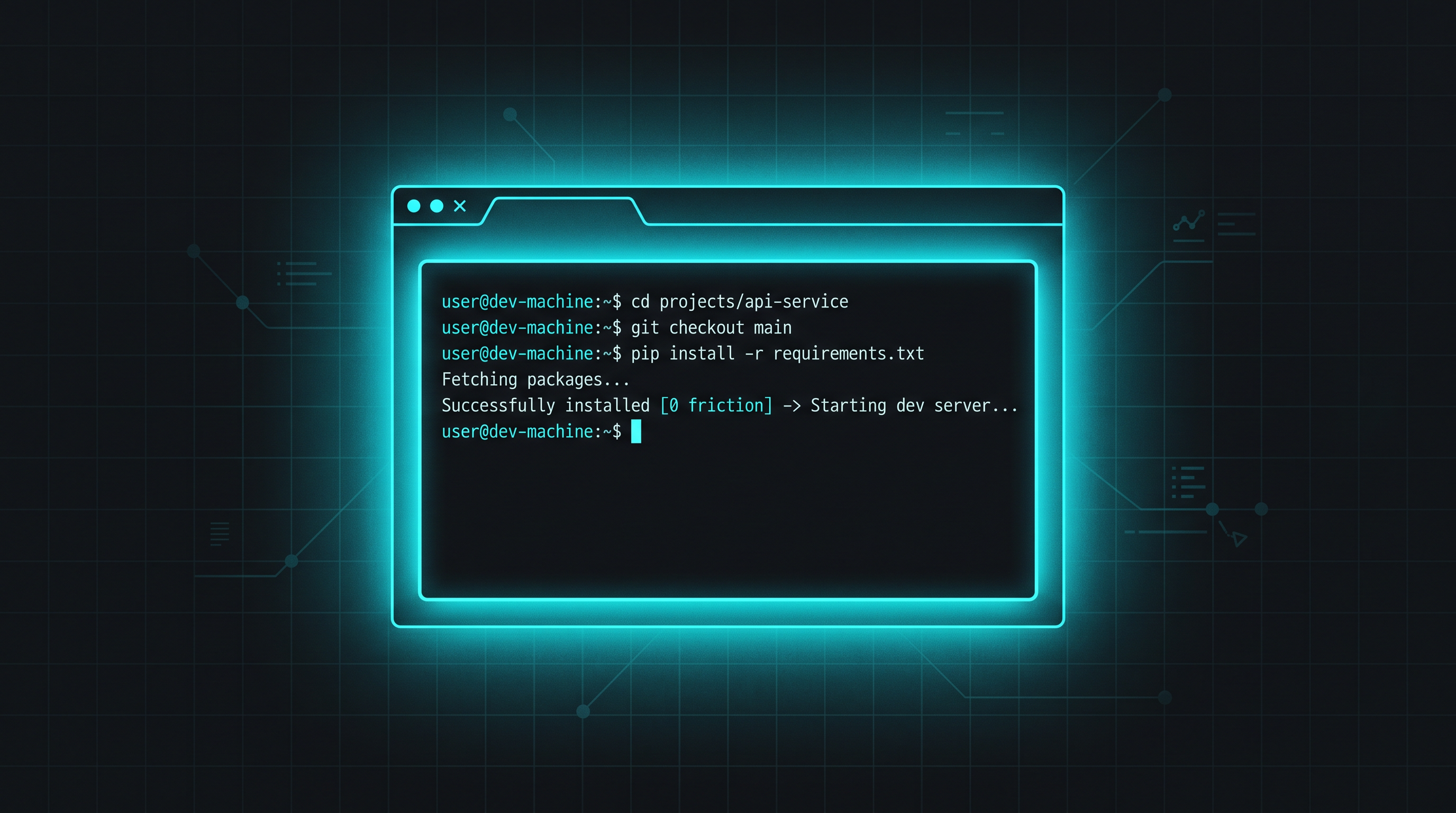
There's a test I run on every developer tool I encounter: the 10-second test.
If a developer can't go from "I want to try this" to "it's working" in 10 seconds, you've lost them. Maybe not forever — but in that moment, the friction wins and they move on.
Here's how popular AI agent sandboxing tools perform on the 10-second test:
Docker Sandboxes: Install the sbx CLI via Homebrew. Run sbx login. Sign in with Docker account. Pick a workspace. Configure filesystem mounts. Create a sandbox. Attach to it. → ~2-5 minutes.
E2B: Install the Python or JS SDK. Write code to create a sandbox. Configure templates. Handle the API response. Connect a terminal client. → ~15-30 minutes (if you know what you're doing).
GitHub Codespaces: Navigate to GitHub. Pick a repo. Create a codespace. Wait for the environment to build. Install your agent in the codespace. → ~3-5 minutes.
Modal: Install the Python SDK. Write a function. Deploy it. Configure sandbox execution. → ~10-20 minutes.
zipbox.ai: Open the page. Pick an agent. You're in a terminal. → ~5 seconds.
Friction Is The Enemy Of Adoption
Every step between "I want to try this" and "it's working" is a step where a developer can lose interest, get distracted, hit an error, or decide it's not worth the effort. This isn't laziness — it's rational time management. Developers are busy. If your tool requires 5 minutes of setup before they can evaluate it, most won't.
This is why Docker is so ubiquitous: docker run hello-world just works. It's why Vercel won deployment: vercel deploys in seconds. It's why Cursor grew fast: download, open, start coding. The tools that win are the ones that minimize time-to-value.
AI agent sandboxing has a particularly bad setup problem because the reason you want a sandbox is usually a moment of urgency — your agent just did something dangerous, you want to run something overnight, you need to test an idea quickly. In those moments, nobody wants to read installation docs.
What "Browser-Native" Actually Means
When we say zipbox is "browser-native," we mean it literally:
- No CLI to install. Docker Sandboxes requires
brew install docker/tap/sbx. E2B requirespip install e2b. zipbox requires: nothing. - No SDK to integrate. E2B and Modal require you to write code that calls their API. zipbox gives you a terminal in the browser — you interact with it directly.
- No API key to obtain. Most platforms require you to create an account, generate an API key, and configure it. zipbox uses crypto key authentication — your key is generated automatically. No passwords, no tokens to manage.
- No project to configure. Codespaces needs a repo. E2B needs a template. zipbox just gives you a terminal. What you do with it is up to you.
- No install on your machine. Nothing touches your laptop. Not a package, not a container, not a config file. The sandbox exists entirely in the cloud.
The browser IS the interface. Open the URL, pick an agent, get a terminal. That's the entire setup flow.
Why Competitors Can't Just "Add a Browser UI"
This is the obvious objection: "Can't E2B or Modal just add a web UI?" Technically, yes. But architecturally, they can't without rebuilding their product:
- E2B is an SDK/API. Its entire product model is "write code that calls our API." A web UI would be a completely separate product serving a different user. It would mean maintaining two products with different go-to-market strategies.
- Modal is a serverless compute platform. It's built for ML/Python workloads defined in code. A browser terminal for AI agents would be a sideways move from their core audience (ML engineers building inference pipelines).
- Docker Sandboxes is local-first. Its core model is "run agents on your machine safely." Moving to cloud would mean competing with their own local product and changing their entire infrastructure model.
- Codespaces is a persistent IDE. It's built for long-lived development environments, not disposable agent sandboxes. Making it lightweight and disposable-first would break the product's core value proposition.
Browser-native isn't a feature you can bolt on. It's a product model decision: you're building for the person who wants to open a page and go, not the person who wants to configure an SDK. zipbox was built this way from day one.
The 10-Second Test, In Practice
Try it. Right now.
- Open zipbox.ai in a new tab.
- Pick an agent.
- Start typing.
If you're still reading this sentence and your agent isn't running yet, we failed. But I'm betting it is.
That's the 10-second test. That's why browser-native wins. And that's why every other sandbox platform — no matter how technically impressive — has a fundamental adoption barrier that zipbox doesn't.
10 seconds from here to a running agent. No install, no API key, no SDK. Free credit, no card.
Open zipbox.ai →